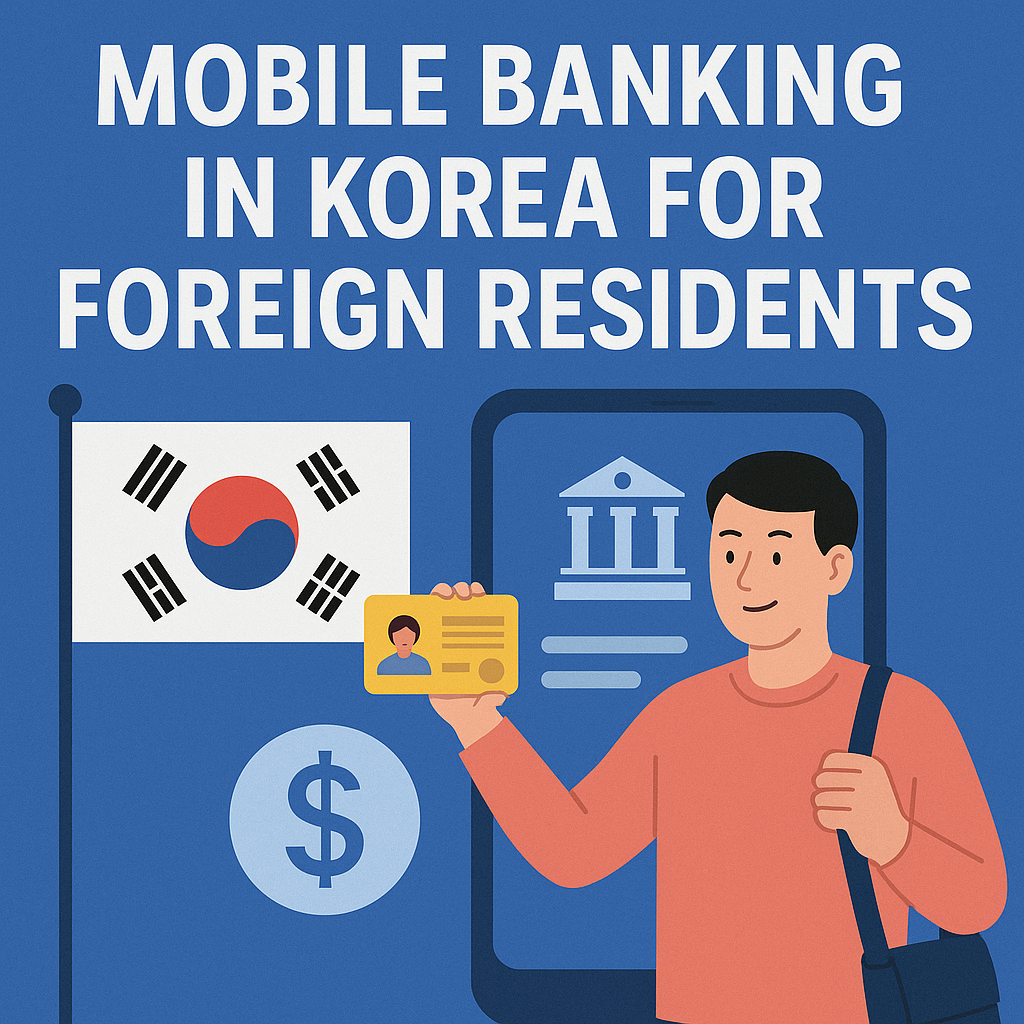
Korea’s mobile banking infrastructure ranks among the most advanced globally, with nearly all major banks offering comprehensive app-based services. Foreign residents can access most features once they establish a local bank account and complete identity verification, though initial setup requires an in-person visit.
1. Why Mobile Banking Matters for Foreign Residents
Living in Korea without mobile banking feels like navigating a city without a map. Cash transactions are declining rapidly, and many daily services—from splitting restaurant bills to paying utility fees—expect digital payment methods.
Most Korean banks now process over 70% of their transactions through mobile channels. This shift means that understanding the system isn’t just convenient; it’s practically essential for managing finances smoothly. The learning curve exists, but the payoff comes in the form of 24/7 account access, instant transfers, and integration with Korea’s broader digital ecosystem.
Foreign residents initially find the setup process bureaucratic. Yet once established, the system offers remarkable functionality that often exceeds what many developed countries provide.
2. Core Features of Korean Mobile Banking Apps
Korean banking apps bundle together services that might require multiple platforms elsewhere. A standard mobile banking app typically includes basic account management, domestic transfers, and balance inquiries as foundational features.
Beyond the basics, most apps offer bill payment services covering utilities, phone bills, and insurance premiums. Users can also apply for loans, manage credit cards, and invest in financial products directly through the interface. The integration runs deep—some apps connect with government tax systems for seamless payment of local taxes.
Security features layer onto these services. Biometric authentication (fingerprint or face recognition) has become standard. Many banks also require certificate-based authentication for larger transactions, adding an extra verification step that protects against unauthorized access.
The user interface design tends toward functionality over minimalism. First-time users often describe the apps as “busy,” with numerous menu options visible from the main screen. However, this approach reflects Korean preferences for quick access to multiple services rather than navigating through nested menus.
3. Setting Up Mobile Banking as a Foreigner
The process begins at a physical bank branch. Foreigners need their Alien Registration Card (ARC), passport, and sometimes proof of address. Bank staff will open the account and simultaneously register you for mobile banking services during this visit.
After account creation, downloading the bank’s official app from the App Store or Google Play Store comes next. The app will prompt for identity verification, which typically involves entering your resident registration number (the number on your ARC), setting a password, and registering your phone number.
Certificate installation represents a uniquely Korean step. Many banks require installing a security certificate on your device, a process that can confuse those unfamiliar with Korean digital infrastructure. The app usually guides you through this, though the instructions may appear in Korean by default. Some banks offer English-language support within their apps, but coverage varies significantly between institutions.
English language availability differs by bank. KB Kookmin Bank and Shinhan Bank generally provide more comprehensive English interfaces compared to smaller regional banks. Yet even with English options, certain features or newer services may only appear in Korean.
4. Common Challenges and Practical Tips
Foreign residents encounter several recurring obstacles. The most frequent issue involves Active X or security program requirements on older banking systems. While mobile apps have largely moved past this problem, some features still redirect to web pages that demand additional software installations.
Transfer limits can surprise new users. Daily transfer limits exist for security purposes, though these limits can usually be adjusted through the app or by visiting a branch. International transfers typically require separate registration and carry different restrictions than domestic movements.
Authentication fatigue happens. Korean banking security involves multiple verification steps—password entry, SMS codes, certificate checks, and biometric scans. While this multi-layered approach enhances security, it can feel excessive for routine transactions. Most users adapt by enabling biometric shortcuts where possible.
Language barriers persist in certain areas. Customer service chatbots often function only in Korean, and error messages may not translate properly. Having a Korean-speaking friend available for initial setup helps tremendously, though this becomes less necessary once the account runs smoothly.
Some practical workarounds make daily use easier. Setting up favorite payees reduces repetitive data entry. Enabling push notifications helps track account activity immediately. Learning to recognize key Korean terms for common transactions (송금 for transfer, 이체 for movement between own accounts) accelerates navigation even without full language fluency.
5. Additional Aspects Worth Knowing
Integration with Other Services
Korean mobile banking doesn’t exist in isolation. These apps often connect with Korea’s dominant payment platforms like Kakao Pay and Naver Pay, allowing users to transfer funds directly to these services for everyday purchases.
Many banking apps also link with investment platforms, letting users buy stocks or funds without leaving the application. This integration extends to insurance products and even real estate listings in some cases, creating a financial services hub rather than just a banking tool.
Security Protocols
Korea’s banking security measures reflect the country’s history with digital fraud. Beyond passwords and biometrics, many banks employ real-time transaction monitoring that flags unusual activity patterns. Users might receive calls from their bank if large or atypical transactions occur, a practice that sometimes inconveniences legitimate users but provides meaningful protection.
The certificate system, while cumbersome initially, adds encryption layers to sensitive transactions. These digital certificates typically expire annually and require renewal, a maintenance task that catches some users off guard.
Comparing Major Banks
KB Kookmin Bank serves the largest customer base and generally offers robust English support. Shinhan Bank has invested heavily in modernizing its digital interface and provides decent multilingual options. Woori Bank and Hana Bank offer similar core features but with less comprehensive English language coverage.
Kakao Bank and K Bank, the digital-only banks, appeal to tech-savvy users with streamlined apps and 24/7 customer service. However, these banks lack physical branches, which can complicate processes requiring in-person verification.
Conclusion
Korea’s mobile banking system rewards those who invest time in understanding its structure. The initial hurdles—visiting branches, installing certificates, navigating Korean-heavy interfaces—give way to a remarkably efficient financial management tool.
For foreign residents, choosing a bank with strong English support and taking time during the setup process to understand authentication methods prevents most common frustrations. The system’s complexity stems from security priorities and extensive feature integration, not arbitrary bureaucracy.
Once established, mobile banking becomes the gateway to smoother daily life in Korea, from splitting dinner bills through instant transfers to managing all financial obligations through a single device. The learning curve flattens quickly with regular use.
Those settling into Korean life might next explore
See also: [How Can Foreigners Get Credit Cards in Korea?]
“Understanding Korean Mobile Banking for Foreign Residents”에 대한 1개의 생각